
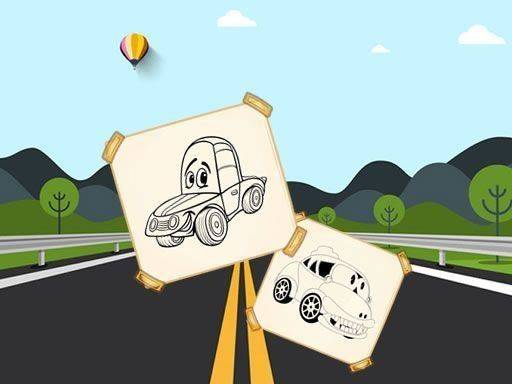
What You Actually Do
Car Coloring Fun for Kids presents a set of car illustrations that players color in. From the main menu, a child selects a picture, chooses a color from the palette, and clicks or taps the areas of the car they want to fill. The interface is built so that children can start without reading long instructions. There are no strict time limits on any picture, so a player can work slowly or quickly. After finishing, the artwork can be saved, printed, or shared.
How Coloring Works in Practice
The coloring mechanic is direct: pick a color, then apply it to a section of the car. Because the pictures are vehicle-themed, the areas to color are usually distinct parts like the body, wheels, windows, and background details. The palette offers a range of colors, which lets children experiment with combinations rather than following a fixed scheme. The game does not impose complicated rules or timers, so the pace is entirely up to the player. This makes it accessible for young children who may still be developing fine motor control.
Scoring, Saving, and Sharing
While there are no time limits, completing a coloring page quickly can contribute to a higher score. This optional scoring layer gives players who want a challenge something to aim for without pressuring those who prefer to take their time. The save option is a core part of the experience: it lets children keep their finished artwork, print it, or share it with family and friends. Saving also allows kids to track their progress across multiple pictures, which adds a sense of accomplishment.
Who This Suits
This game is designed for children and families. It promotes focus, fine motor skills, and color recognition, so it works as both entertainment and a light educational activity. The content is safe for all ages, with no inappropriate material. Because controls are limited to mouse or touch, it runs on various devices without requiring a keyboard. Parents looking for a pressure-free creative activity will find that the game avoids complicated rules and timers, keeping the focus on coloring.






Editorial Notes