

Studio Assembly & Design
Players begin by constructing the photo studio frame using basic tools and fittings, then attach a backdrop curtain. This initial phase focuses on simple building tasks that set the stage for later creativity. The construction process is straightforward, allowing players to quickly move on to the decorative elements that define the studio's character.
Seasonal Decoration & Prop Crafting
Once the studio frame is ready, players can adorn it with a variety of spring-themed ornaments such as floral arrangements, decorative eggs, and bunny motifs. After decorating, the next step involves crafting props from materials like paper, glitter, and adhesive. These handmade items add a personal touch to the photo sessions and encourage imaginative play.
Makeup Application & Styling
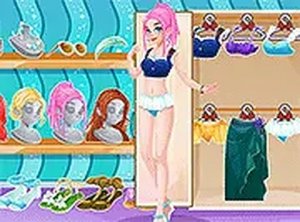
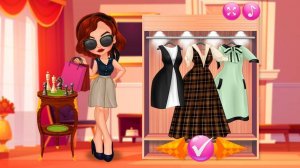
The game includes a detailed makeup stage where players can apply blush, lip color, eye shadow, and shimmer effects, as well as shape eyebrows. Following makeup, the styling phase offers a selection of dresses, hairstyles, earrings, necklaces, glasses, and other accessories. This combination allows for extensive customization of the character's appearance.
Photo Sessions & Effects
After preparing the studio and the character, players can invite friends to pose for photos. The game provides a range of fun effects and filters to enhance the snapshots. This final step brings together all the earlier efforts, letting players capture and share their creative work.
Touch-Friendly Controls
The entire experience is designed for mobile and tablet devices, with touch-friendly controls that make each step intuitive. From dragging decorations to selecting makeup colors, the interface responds smoothly to taps and swipes, ensuring a seamless play session on the go.




Player Comments
0 comments