
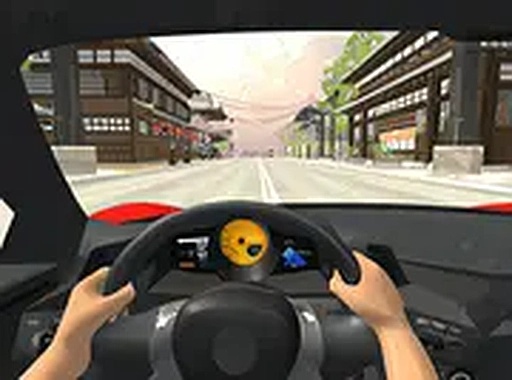
Roadway Environments
Traffic Navigator presents two distinct settings that alter the driving experience. The Japan stage features tight urban corridors with frequent cross traffic and narrow lanes. The Snow stage introduces slippery surfaces and reduced visibility, requiring more careful steering. Each environment changes how you approach the road, with different visual cues and traffic patterns that keep the gameplay fresh between runs.
Traffic Configurations
The game offers four traffic arrangements that change the challenge. One-way traffic presents vehicles from a single direction, letting you focus on speed and timing. Two-way traffic demands attention from both sides, increasing the need for quick reactions. Time attack mode sets a destination with a countdown, pushing you to balance speed with safety. Free ride removes the pressure of collisions, allowing you to explore the stages at your own pace.
Collection and Upgrades
While driving, gems appear along the road. Collecting these items builds a currency that can be used in the in-game shop. You can invest in performance upgrades for your current vehicle or purchase entirely new cars. Upgrades may improve handling, acceleration, or durability, giving you an edge in heavier traffic. The shop provides a clear goal for each session, encouraging repeated play to save for better equipment.
Controls and Accessibility
Traffic Navigator is designed for desktop browsers. You control the car using keyboard or mouse inputs, with responsive steering that makes lane changes feel immediate. The game includes a full screen mode that removes browser distractions, creating a more focused driving experience. No downloads or installations are required, so you can start playing immediately after loading the page.






Player Comments
0 comments